
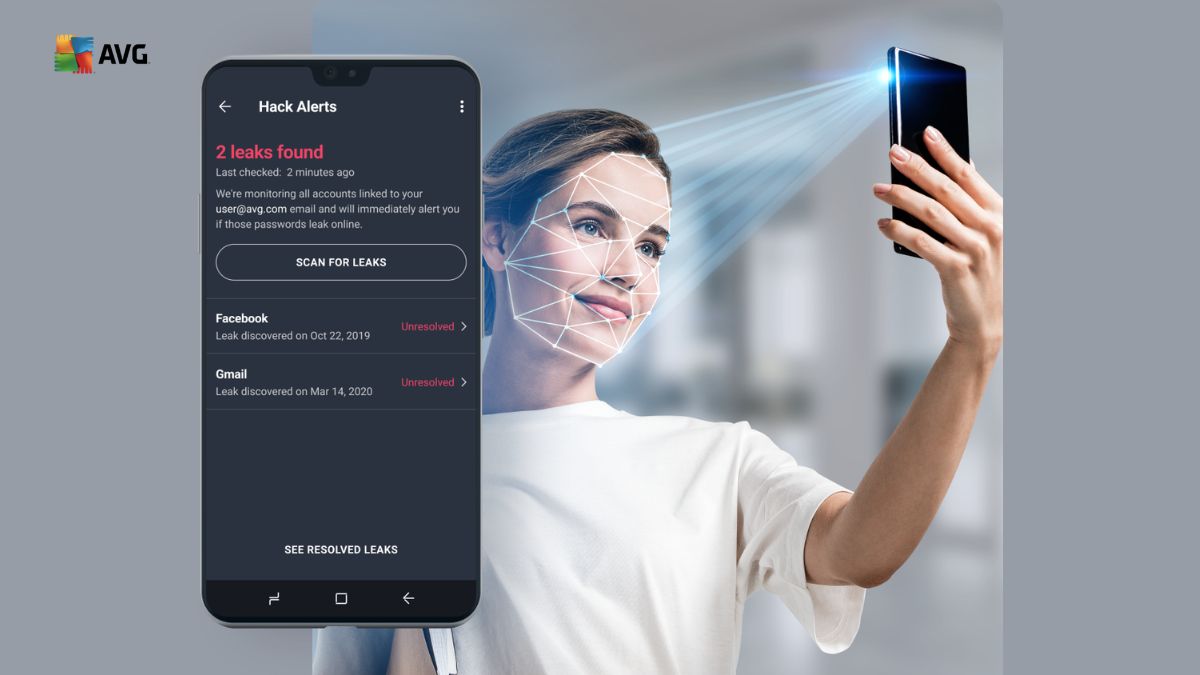
The internet has changed the way people work, study, shop, communicate, and manage their daily lives. A few clicks are enough to pay a bill, order something online, join a video meeting, download a document, or connect with friends. At the same time, our increasing dependence on connected devices means that personal information is constantly moving through websites, apps, emails, and online services.
Digital safety is therefore no longer something that only businesses or technology experts need to think about. Everyday users also need to pay attention to suspicious links, malware, unsafe downloads, phishing attempts, privacy risks, and outdated software. Even simple habits such as using unique passwords, checking website addresses, and keeping applications updated can make a meaningful difference.
AVG provides a range of cybersecurity, privacy, and device-performance tools designed for modern digital users. Its product range includes free antivirus protection, Internet Security, Secure VPN, AntiTrack, BreachGuard, Secure Browser, and TuneUp. These tools address different parts of the digital experience, allowing users to build a security routine based on their own needs.
Start With Strong Protection Against Online Threats
One of the simplest ways to improve digital security is to protect the devices you use every day. Computers and smartphones can encounter malicious files, suspicious websites, unsafe downloads, and deceptive messages during ordinary browsing.
Antivirus software can provide an additional layer of protection by scanning files and identifying potential threats. AVG AntiVirus FREE provides protection against viruses, spyware, and other malware, while also helping users identify unsafe links, downloads, and email attachments. It is available for supported Windows, Mac, Android, and iOS devices.
For users who need more extensive protection, AVG Internet Security adds features designed to address threats such as ransomware, phishing, unsafe websites, and suspicious network activity. Its protection includes different shields that monitor files, online activity, email, and potentially suspicious behavior.
A good security routine should begin with understanding your devices. Make sure antivirus protection is active, allow security software to receive updates, and perform regular scans when appropriate. If you download files frequently, pay particular attention to their source.
It is also important to remember that antivirus software is only one part of digital security. Users should avoid opening unexpected attachments, downloading unknown programs, or entering personal information on unfamiliar websites.
Combining security software with careful online behavior creates a stronger foundation for everyday digital protection.
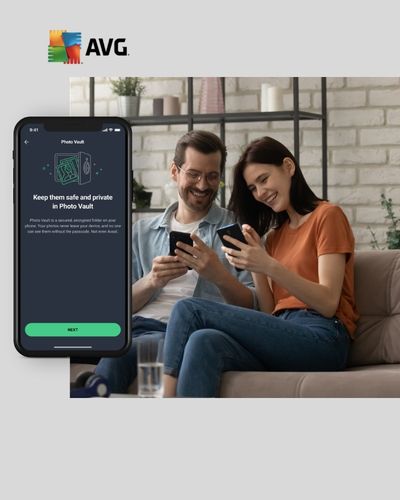
Make Safer Browsing Part of Your Daily Routine
Many online threats do not arrive as obvious viruses. Instead, they may appear as fake websites, misleading advertisements, phishing pages, or messages designed to make users act quickly.
A website may look similar to a bank, shopping platform, delivery service, or social network while actually being controlled by someone attempting to collect login details or payment information. This is why checking a website before entering sensitive information is an important habit.
AVG provides online security tools that can warn users about malicious websites and phishing scams. Its browser security features can examine website addresses and provide warnings when a site may pose a threat.
Users can also improve their own browsing habits. Before clicking a link in an unexpected email or message, check who sent it and whether the request makes sense. Be cautious when a message creates urgency by claiming that an account will be closed or a payment is immediately required.
When shopping online, check that the website address is correct before entering payment details. Avoid making financial transactions through suspicious links received through messages or social media.
Another useful habit is to keep your browser and operating system updated. Updates can include security fixes that address vulnerabilities discovered after software was originally released.
AVG can become part of this routine by providing security features that work in the background while users browse. The objective is not to make internet use complicated, but to create additional safeguards around everyday activities.
Protect Your Privacy on Public and Private Networks
Privacy is another important part of digital security. Every time you browse the internet, use an app, or connect to a network, information can be transmitted between your device and online services.
Public Wi-Fi can be particularly useful in airports, cafés, hotels, libraries, and other shared spaces. However, users should be careful when connecting to unfamiliar networks, especially when accessing sensitive accounts.
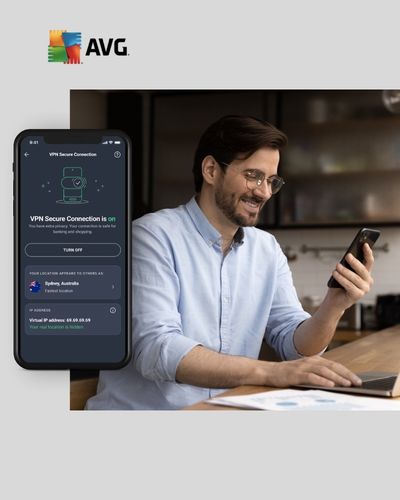
A VPN can encrypt the connection between a device and the VPN service, providing additional privacy when browsing online. AVG Secure VPN is designed to encrypt users’ connections and help protect online activity when using public Wi-Fi.
A VPN should not be viewed as a complete solution to every privacy problem. Users still need to be careful about the websites they visit, the information they share, and the permissions granted to applications.
Privacy settings also deserve regular attention. Social media accounts, browsers, mobile applications, and online platforms may offer controls that determine what information is shared. Review these settings periodically and disable permissions that are not necessary.
AVG also offers AntiTrack, a privacy product designed to reduce online tracking, while BreachGuard is intended to help users respond to certain data-breach and personal-information exposure risks.
Creating a private digital routine does not require avoiding the internet. Instead, it means becoming more conscious of what information is shared, where it goes, and which tools can help reduce unnecessary exposure.
Build Better Password and Account Habits
Passwords remain one of the most important parts of online security. Many people have accounts for email, shopping, banking, social media, education, work, entertainment, and cloud storage. Using the same password everywhere can increase the consequences of a single compromised account.
Whenever possible, use unique passwords for important accounts. A strong password should be difficult to guess and should not rely on obvious personal information such as birthdays, names, or simple number combinations.
Multi-factor authentication is another useful security measure. When enabled, signing in requires an additional verification step beyond the password. This can make it more difficult for someone to access an account using a stolen password alone.
Your email account deserves particular attention because it may be connected to password-reset systems for many other services. If someone gains access to your email, they may be able to attempt password resets for other accounts.
Users should also be careful with verification codes. Never provide a one-time security code to someone who contacts you unexpectedly and claims to be from a bank, company, or technical-support team.
AVG’s wider security ecosystem can support a broader approach to online protection, but users remain an essential part of the process. No security tool can replace careful decisions about passwords, login requests, downloads, and account recovery information.
Take a few minutes every few months to review your important accounts. Remove old accounts that you no longer use, update passwords where necessary, and check whether multi-factor authentication is available.
Small improvements can make your digital routine considerably more organized.
Keep Your Devices Clean and Running Efficiently
Digital security is closely connected to device maintenance. A computer or smartphone filled with unnecessary files, unused applications, outdated software, and browser clutter can become harder to manage.
Regular maintenance can help you keep track of what is installed on your device. Remove applications you no longer use, review large files, clear unnecessary storage, and keep important software updated.
AVG TuneUp is designed to help users clean up junk files, address certain performance issues, and improve the overall management of device storage and resources. It forms part of AVG’s broader range of performance-focused products.
A clean device is also easier to monitor. When you know which applications are installed and which programs regularly run in the background, unusual activity can be easier to notice.
Backups should also be part of a responsible device routine. Important photographs, documents, schoolwork, and other files should not exist in only one location. Keeping an appropriate backup can reduce the impact of accidental deletion, hardware problems, or other unexpected events.
Battery and storage management can also improve everyday convenience. Remove unnecessary downloads, transfer large files when appropriate, and avoid allowing storage to remain almost completely full for long periods.
Rather than waiting until a device becomes slow or difficult to manage, schedule a short maintenance session every few weeks. This can include checking updates, reviewing applications, clearing unnecessary files, and confirming that important information is backed up.
Create a Simple Digital Security Checklist
The most effective digital security routine is one that you can realistically maintain. You do not need to change every setting at once. Instead, create a simple checklist and gradually make better habits part of your everyday routine.
Start by protecting your main devices with appropriate security software. Keep your operating system, browser, and applications updated. Use unique passwords for important accounts and enable multi-factor authentication where available.
Before clicking a link, stop and consider whether the message is expected. If something looks unusual, visit the relevant service through its normal application or manually enter its official website address instead of following an unfamiliar link.
Review your privacy settings regularly. Check application permissions, social media visibility, browser privacy controls, and connected accounts. If you use public Wi-Fi frequently, consider whether a VPN is appropriate for your browsing needs.
Pay attention to security notifications rather than automatically dismissing them. A warning about a suspicious file, login, or website may be useful information that deserves investigation.
AVG offers different levels of products depending on whether a user needs basic antivirus protection, broader internet security, privacy tools, or device-performance features. AVG Ultimate combines Internet Security, Secure VPN, TuneUp, and AntiTrack into one package for users looking for a broader set of tools.
Finally, remember that digital security is an ongoing process. New threats appear, online services change, and personal technology evolves. Reviewing your security habits from time to time helps you stay prepared without making everyday internet use unnecessarily complicated.
With the right combination of security software, privacy awareness, careful browsing, strong account habits, and regular device maintenance, users can create a more organized and responsible digital lifestyle. AVG provides tools that can support different parts of this process while allowing users to choose the level of protection and privacy features that fit their needs.
