
Choosing a new computer is no longer simply about finding the fastest processor or the largest screen. People use their devices for very different reasons. A student may need something lightweight for classes and assignments, while a professional could prioritize multitasking, connectivity, and reliability. Gamers and creative users have their own requirements again.
Lenovo offers a broad range of laptops, desktops, tablets, monitors, and other technology products designed for different types of users. With so many options available, understanding your actual needs is the best way to avoid paying for specifications you may never use.
Whether you are replacing an old laptop, setting up a home office, upgrading your study setup, or building a more powerful workstation, a few practical considerations can make the decision much easier.
Start by Understanding How You Will Use Your Device
Before looking at specifications, think about what you actually do every day. Your usage pattern should determine the type of device you choose.
If you mainly browse the internet, attend online classes, write documents, watch videos, and use basic applications, you may not need a high-performance machine. A lightweight laptop with good battery life can be more useful than a powerful computer that is heavier and more expensive.
For office professionals, multitasking can become more important. If your daily routine involves spreadsheets, video meetings, presentations, browser tabs, and business applications, look for a comfortable keyboard, sufficient memory, a good display, and reliable connectivity.
Lenovo has products across several categories, allowing users to consider different configurations according to their individual workloads.
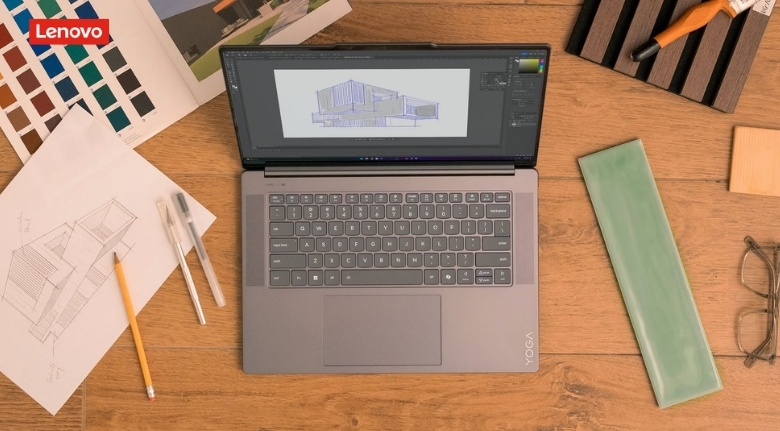
Creative professionals should think about their specific software requirements. Photo editing, video production, graphic design, and 3D applications can require significantly more processing power and memory than everyday tasks.
Gamers should similarly consider graphics performance, display refresh rate, cooling, and upgrade possibilities rather than focusing on one specification alone.
Choose the Right Screen Size and Design
The display is one of the most noticeable parts of a laptop, so choosing the right size can have a major effect on everyday comfort.
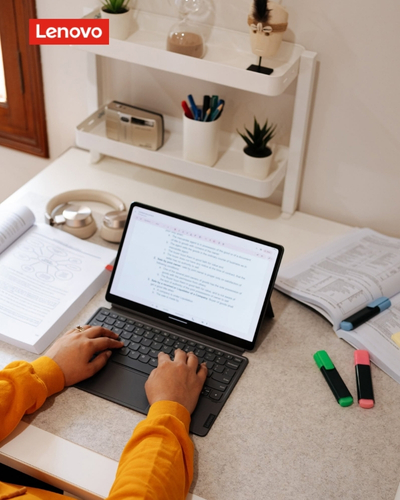
Smaller laptops are generally easier to carry between home, school, work, and travel. They can be particularly convenient for students or professionals who spend much of their time working away from a desk.
Larger screens provide more workspace and can make multitasking easier. If you regularly work with large spreadsheets, multiple windows, creative applications, or detailed documents, a larger display may be more comfortable.
Lenovo offers laptops and other devices in different form factors, giving users the opportunity to prioritize portability or screen space depending on their lifestyle.
Touchscreen and convertible designs can also be useful for people who prefer flexible ways of interacting with their device. A 2-in-1 computer can function as a traditional laptop while offering additional modes for presentations, note-taking, reading, or entertainment.
However, additional flexibility can sometimes add weight or affect battery performance. Think about whether you will genuinely use those features before paying extra for them.
Pay Attention to Performance Specifications
Processor, memory, storage, and graphics capabilities all influence how a computer performs. However, the ideal configuration depends on the software you use.
For basic browsing, documents, streaming, and everyday applications, an entry-level or mid-range processor may be sufficient. More demanding workloads require additional performance.
Memory is particularly important when multitasking. If you regularly keep many browser tabs and applications open simultaneously, having sufficient RAM can help create a smoother experience.
Storage also deserves consideration. Solid-state drives are widely preferred because they provide fast access to files and applications while operating quietly.
Lenovo offers configurations aimed at everyday users as well as people who need higher performance for professional, creative, or gaming workloads.
Instead of automatically choosing the highest specification available, identify the applications you use most frequently. Check their recommended system requirements and choose hardware that comfortably exceeds them.
This approach can help you spend your budget where it actually improves your experience.
Think About Battery Life and Portability
A powerful laptop is not particularly convenient if you constantly need to search for a power outlet.
Students, remote workers, business travelers, and people who move between different locations should pay close attention to battery performance and device weight.
Your actual battery experience can vary depending on brightness, applications, connectivity, workload, and other settings. Therefore, advertised battery figures should be treated as a reference rather than a guarantee of exactly how many hours you will get.
Lenovo offers portable laptops designed for users who need to work away from a desk, alongside larger machines intended for more stationary use.
Consider your daily routine. If you usually work at a desk with access to power, maximum battery life may not be your highest priority. If you spend hours in classrooms, cafés, airports, or shared workspaces, portability and battery efficiency become much more important.
A lightweight charger can also make a difference when traveling. Before buying, check the overall weight of the device and its charging accessories rather than looking only at the laptop itself.
Don’t Ignore the Keyboard, Camera, and Connectivity
Specifications such as processor speed and storage capacity often receive the most attention, but physical usability matters just as much.
If you write for several hours each day, a comfortable keyboard can have a significant impact on your experience. Consider key spacing, layout, backlighting, and overall typing comfort.
For remote work and online learning, the webcam and microphone are also important. Frequent video calls make camera quality, microphone performance, and speaker clarity much more noticeable.
Lenovo offers devices with different combinations of connectivity and productivity features, allowing users to choose based on how they communicate and work.
Ports should also be considered before making a purchase. Think about the accessories you currently use, including external monitors, USB devices, headphones, memory cards, projectors, or other peripherals.
If you regularly connect multiple accessories, having the right ports can save you from carrying additional adapters.
Wireless connectivity is equally important. Reliable Wi-Fi and Bluetooth support can make everyday work more convenient, particularly in modern home and office environments.
Match Your Device to Your Budget
A realistic budget can make the buying process much easier. Instead of asking which computer is the most powerful, ask which computer provides the features you actually need at a comfortable price.
Lenovo serves different segments of the market, from everyday computing products to higher-performance systems. This makes it possible to prioritize different features depending on your budget.
If your needs are relatively simple, spending more on a premium processor or dedicated graphics may provide little practical benefit. You might get greater value by investing in better storage, a higher-quality display, or improved portability.
On the other hand, buying an inexpensive computer that struggles with your daily workload can become frustrating and expensive if you need to replace it sooner than expected.
Consider the expected lifespan of your device as well. A computer with enough performance headroom may remain useful as applications become more demanding.
Seasonal promotions and special offers can also influence the final price. When shopping, compare the actual configuration rather than assuming every discounted model offers the same specifications.
Consider Your Future Needs
Technology changes quickly, so your current requirements may not be the only thing worth considering.
A student might begin with basic schoolwork but later need more demanding software. A professional may start working remotely and eventually require additional monitors or accessories. A casual user may develop an interest in photo editing, gaming, or content creation.
Lenovo provides devices across multiple performance categories, making it possible to consider an upgrade path as your requirements change.
Before purchasing, think about what you may realistically be doing with the computer two or three years from now. You do not need to predict everything, but a little extra performance or storage can sometimes make a device more adaptable.
At the same time, avoid overbuying. Technology can become outdated regardless of how much you spend, so purchasing the most expensive configuration available is not always the smartest strategy.
The best choice is a balanced one: enough performance for your current workload, enough flexibility for likely future needs, and a price that fits comfortably within your budget.
Create a Setup That Works for You
Buying the computer itself is only one part of creating an effective digital workspace. The right accessories can improve comfort and productivity considerably.
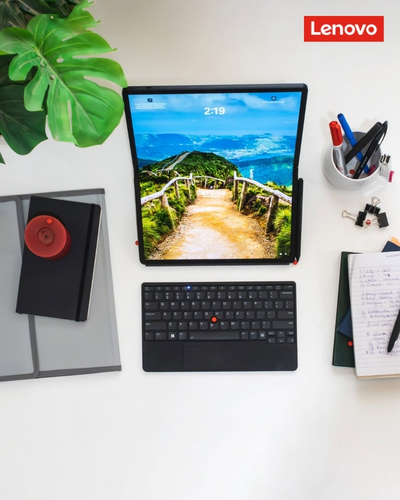
For a home office, an external monitor can provide additional screen space, while a separate keyboard and mouse can create a more comfortable working position. A laptop stand can also help position the display at a better height.
Students may prefer a simpler setup that can easily move between different locations. Gamers may want an external display, dedicated keyboard, gaming mouse, headset, or other peripherals.
Lenovo also offers various accessories and computing products that can complement different setups.
The important thing is to build around your actual routine. You do not need a desk filled with expensive accessories to create a productive workspace.
Ultimately, choosing the right computer comes down to understanding your priorities. Start with the tasks you perform most often, decide how portable your device needs to be, evaluate the performance required by your applications, and set a realistic budget.
Lenovo offers a wide selection of technology products for students, professionals, creators, gamers, and everyday users, making it possible to find different combinations of performance, portability, and functionality.
Take time to compare specifications carefully rather than choosing based solely on appearance or a promotional price. Consider the screen, keyboard, battery, connectivity, storage, memory, and processor alongside the overall design.
A well-chosen device should make your everyday tasks easier rather than simply look impressive on a specification sheet. When you match the technology to the way you actually work, study, create, and relax, you are much more likely to get lasting value from your purchase.
